
Vyndle
@vyndleCreator
Introducing Recommendations: one list for everything you use and recommend
A new spot on your page for the things you use and recommend. Affiliate links welcome.
We've added a new section to creator pages called Recommendations. It's for the questions people keep asking you. What mic is that? Which book changed how you work? What do you plan your week in? Right now those answers usually live in comment replies and video descriptions, which is fine until someone asks the same thing again three months later. The links section on your profile isn't really built for it either. That's for your channels and your shop, and there's no room on a link to explain why you'd pick one thing over another.
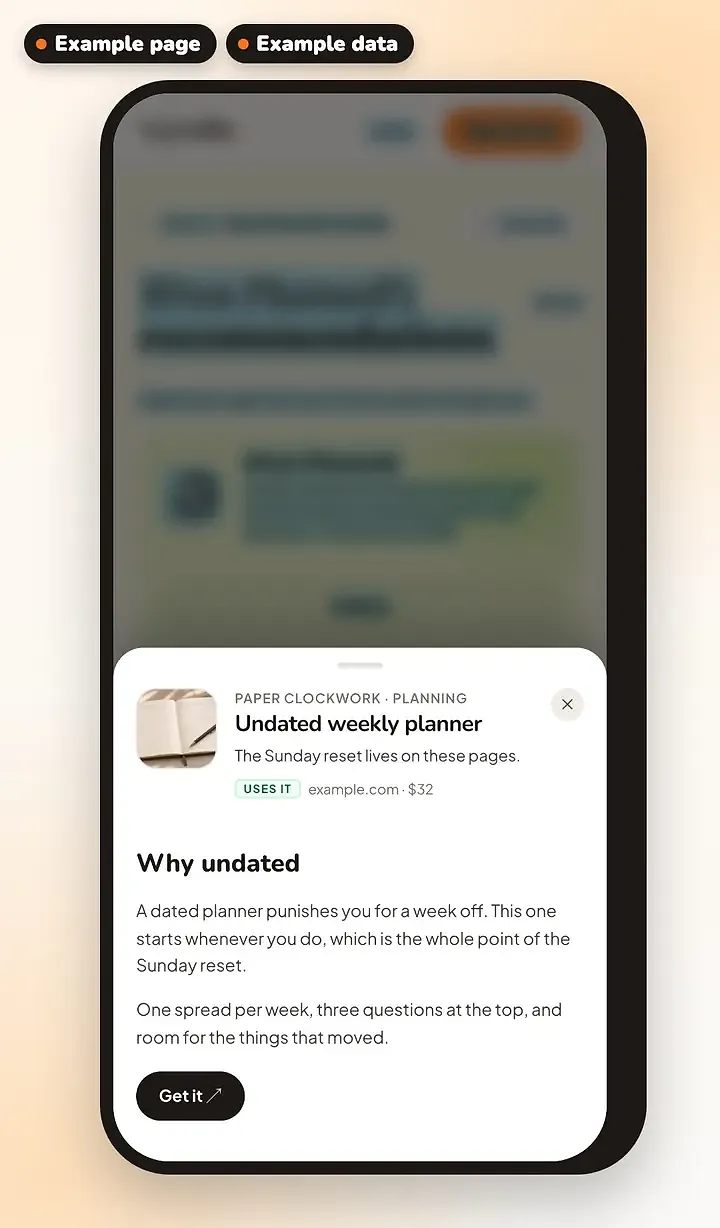
Recommendations fixes that. Every item gets a link, a short note on why you recommend it, and if you want to go further, a longer write-up.
How it works
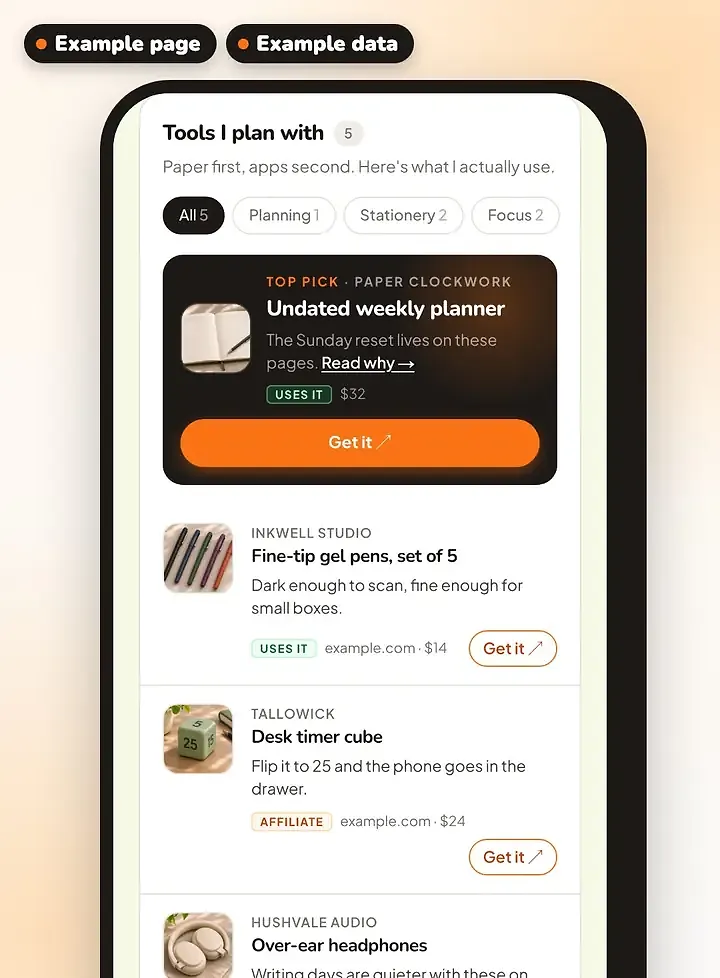
Your recommendations appear as a card on your profile and on their own page at vyndle.co/@you/recommendations, sorted by category. You can star one as your top pick and it sits at the top.
Adding one takes a minute. Paste the link, give it a name and a photo, and write a line on why you recommend it.
This is also the place for your affiliate and sponsored links, and for the products you make or sell yourself. Each one gets a small tag so readers know which is which, and there's one plain disclosure line at the bottom of the list.
You can manage the list from your page in edit mode, or from the Studio, where you'll also see how many clicks each item got over the last 30 days.
Why we built it
So you have one link to send when someone asks. It also gives your affiliate links somewhere better to live than the description box, next to the reason you recommend the thing, which is what people actually want to read before they buy. And when a link changes, you fix it once.
Free accounts can have five recommendations. Pro, when it's ready, goes to 100 and adds click counts per item. The public list looks the same on both.
To start
Go to the Studio, open Recommendations, paste a link and write your note. Or press Edit profile on your page and add one there. Wren is an example creator: see hers at vyndle.co/@wrenplans/recommendations.
More from Vyndle
View all →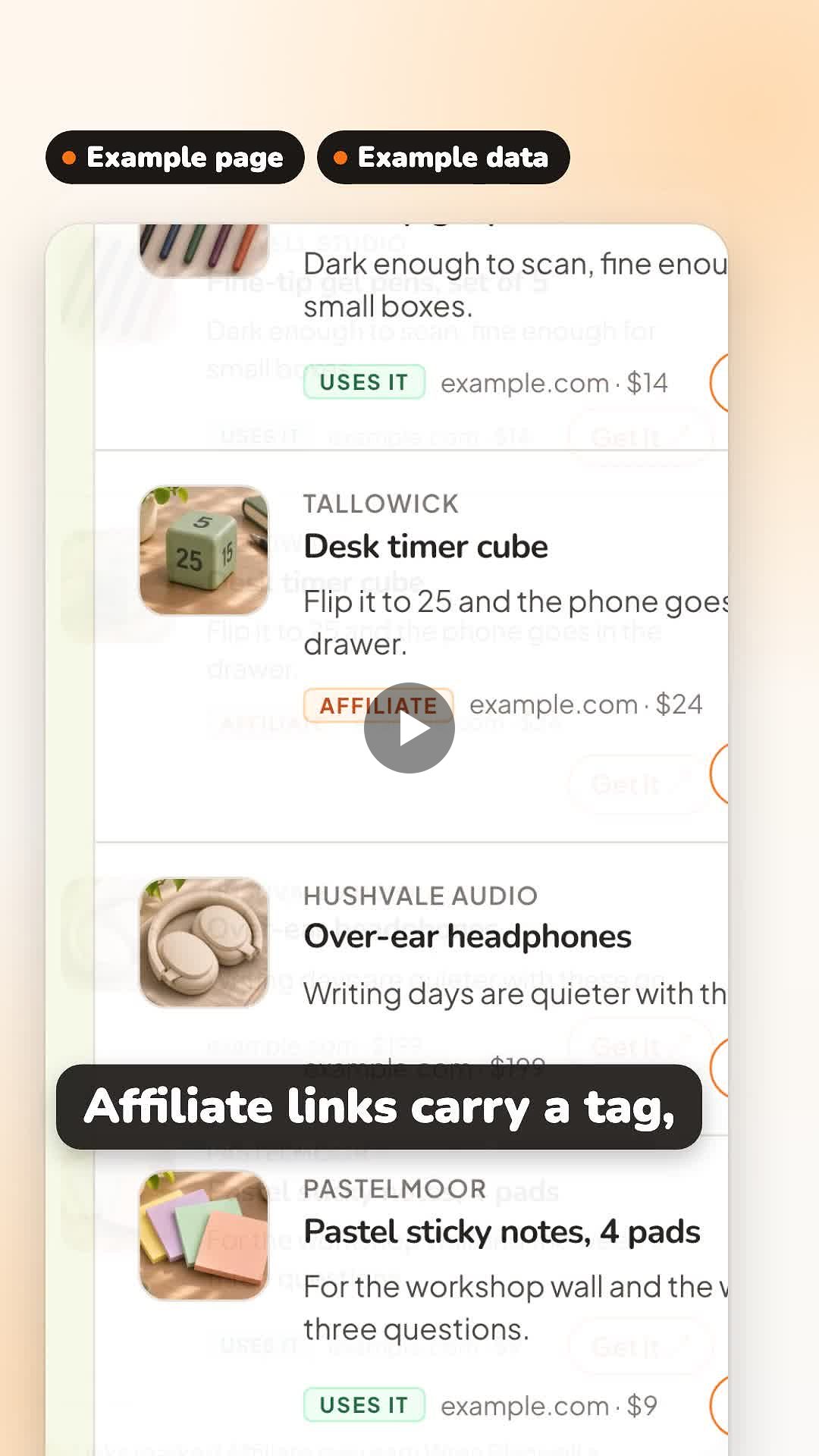
Nov 1, 2026
Everything you recommend, in one place
The things you recommend in one list on your page, with your write-ups. Vyndle adds the Affiliate tag and the disclosure for you. Wren is an example creator.
Your numbers, straight from the platforms
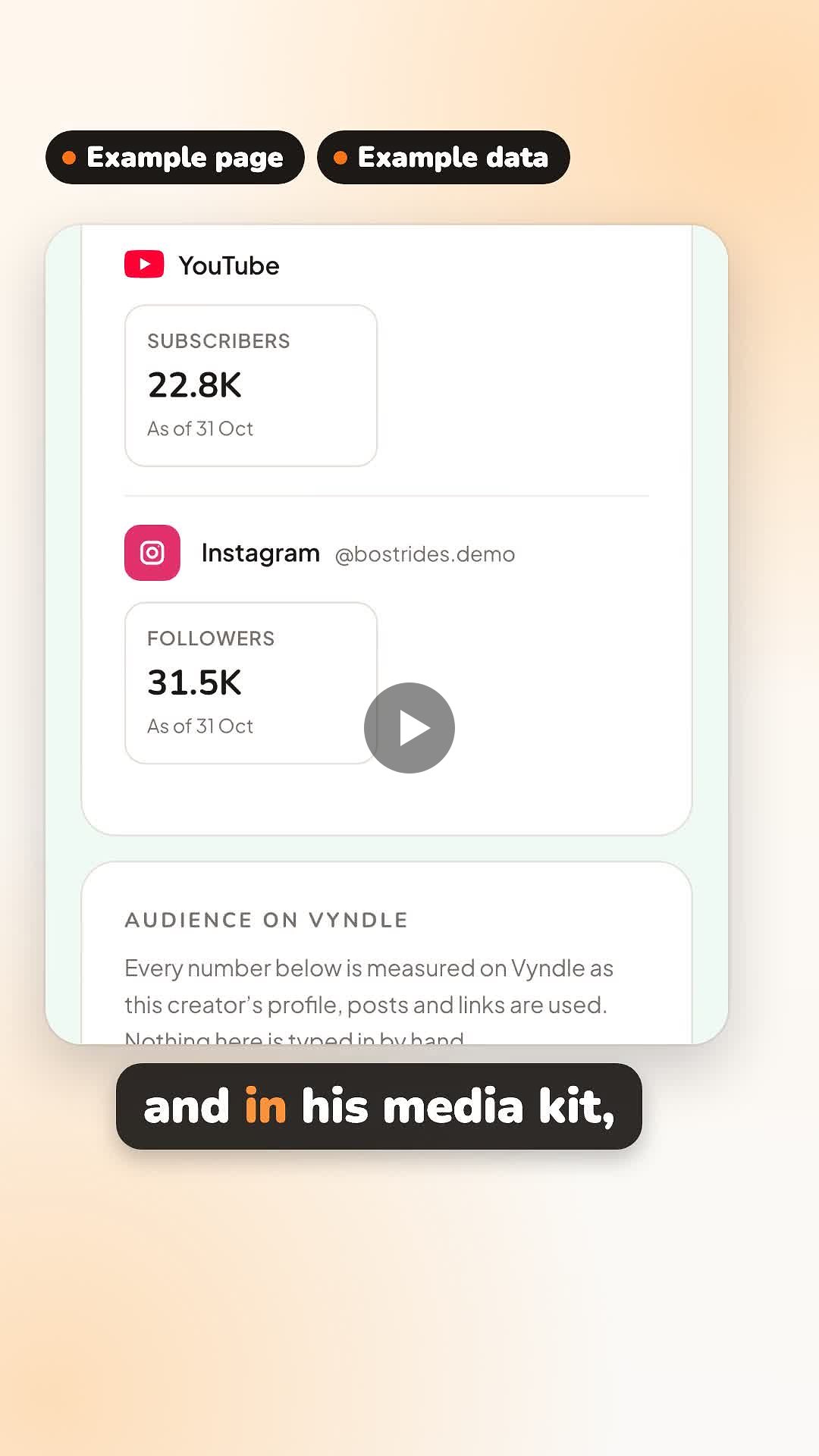
Connect YouTube, Instagram or TikTok once, and your follower counts come in by themselves, on your p...
Whatever you post, your fans see it
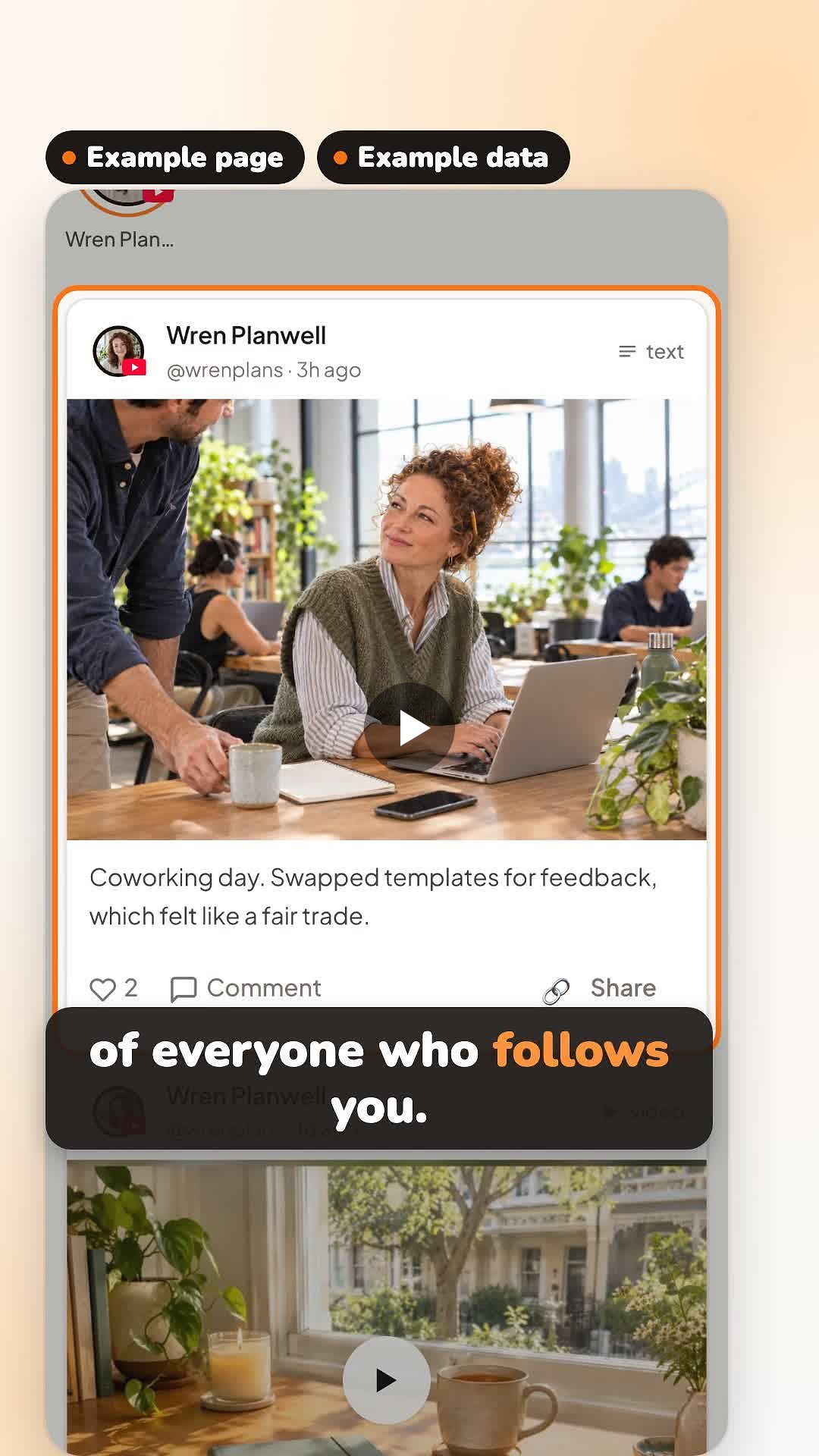
A video, a gallery, an article or a quick update goes on your page and into your followers' feed. Th...
Comments
Sign in to leave a comment
No comments yet. Be the first!