Everything your page can do.
One free page for your posts, links and channels, followers who hear from you, and a media kit for brands. Here's each part, and how it works.
Your own page
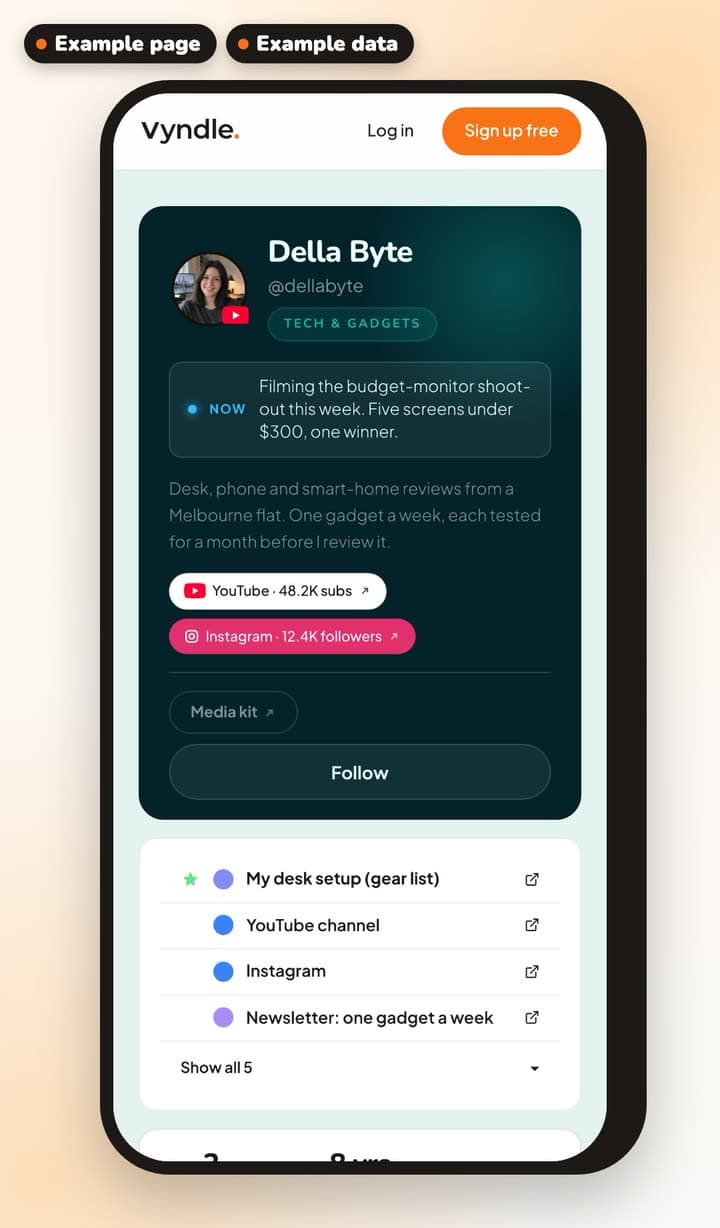
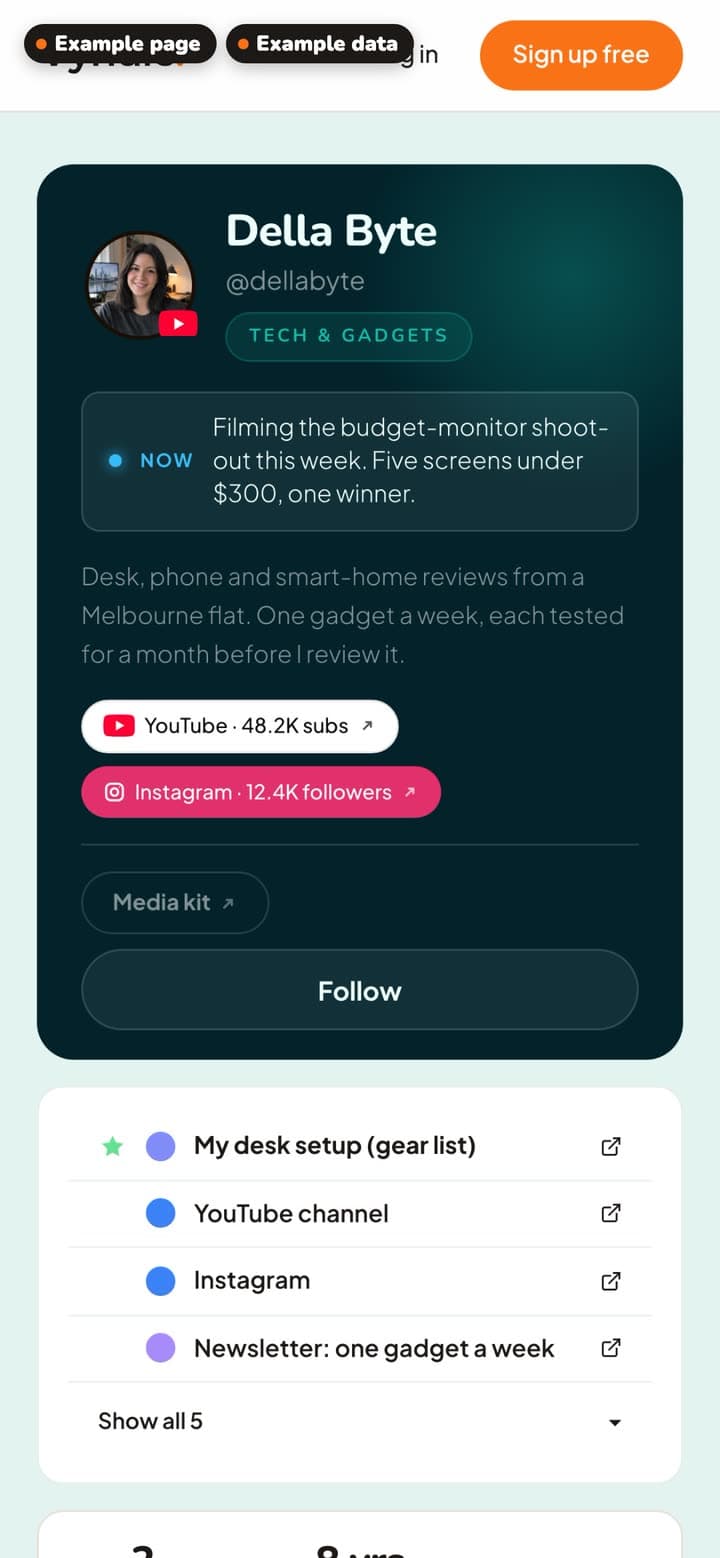
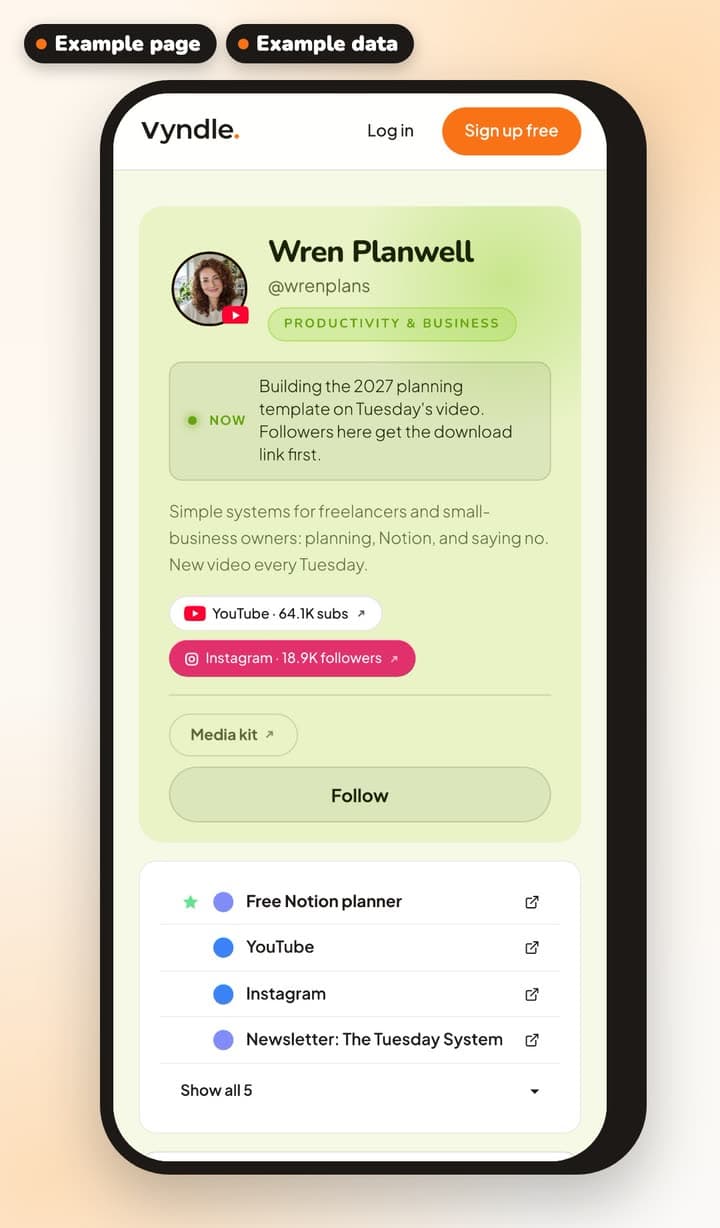
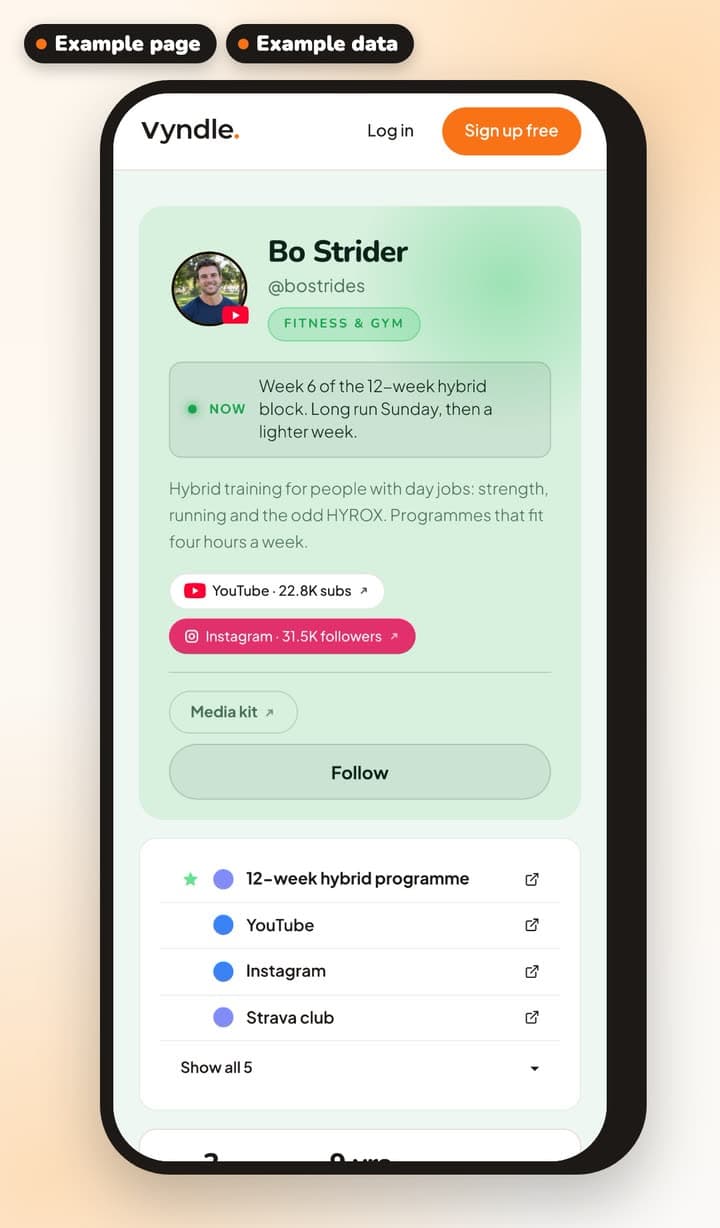
Your page lives at vyndle.co/@you. It shows your name, photo and bio, your niche, the channels you post on and your links.
Add a short line about what you're up to now. It stays on your page for a day.
Your posts sit below, and you can pin the one you're proudest of to the top.
12 themes
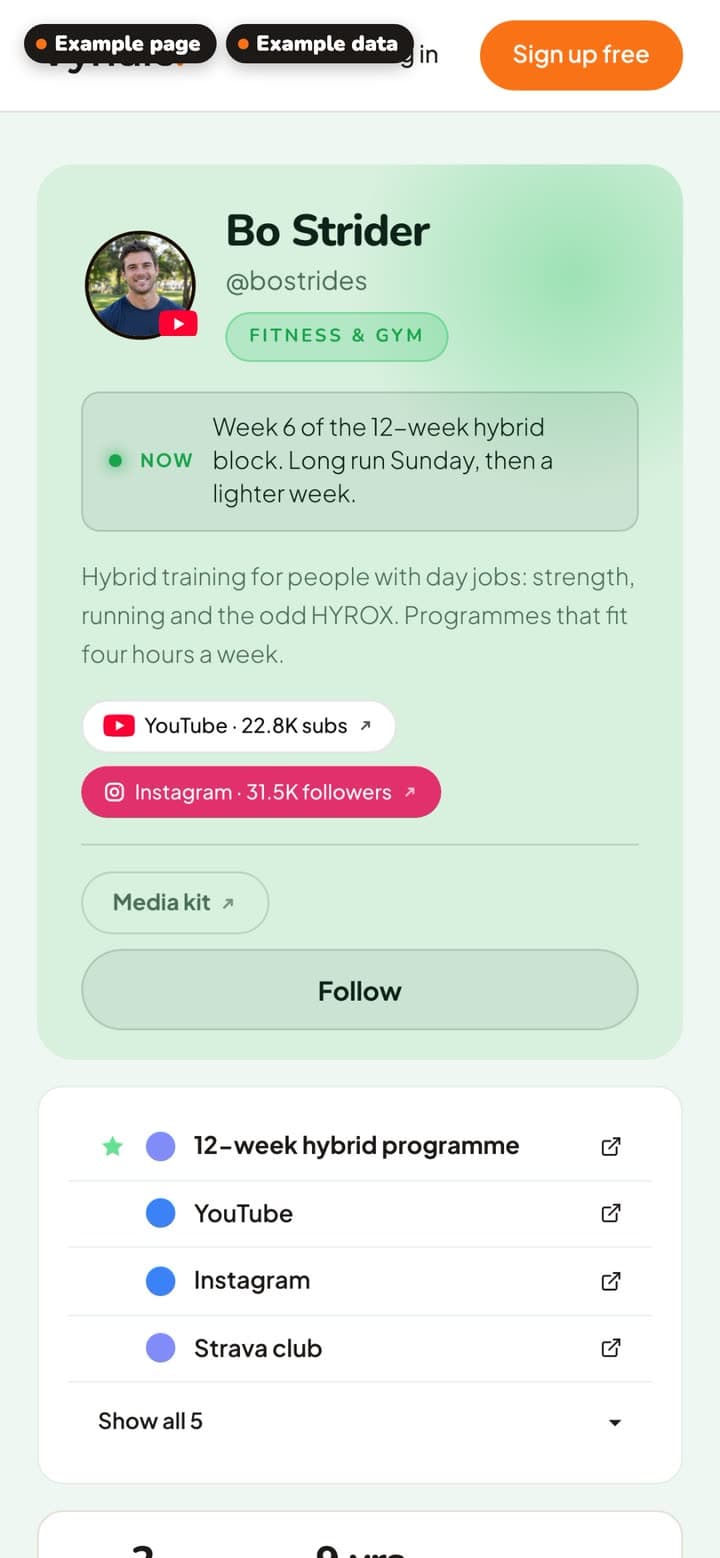
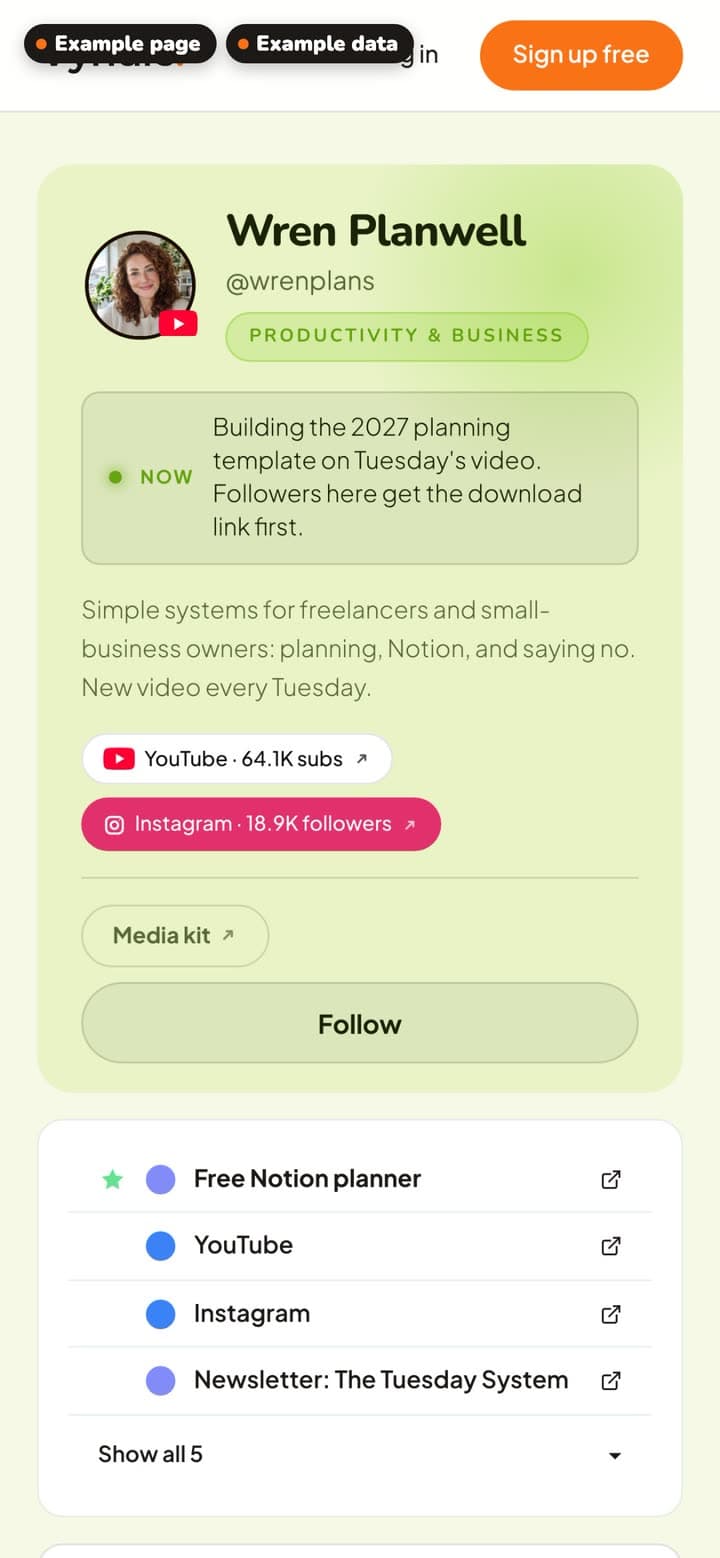
Pick the look that suits you from 12 themes. Each one comes in a Moonlit and a Sunlit version, dark or light.
Change it whenever you like.
Your links
Add a link with its web address and a short label, and it shows on your page straight away.
Drag your links into the order you want, or hide one for a while without deleting it.
Your dashboard counts the clicks your links get.
Posts in four formats
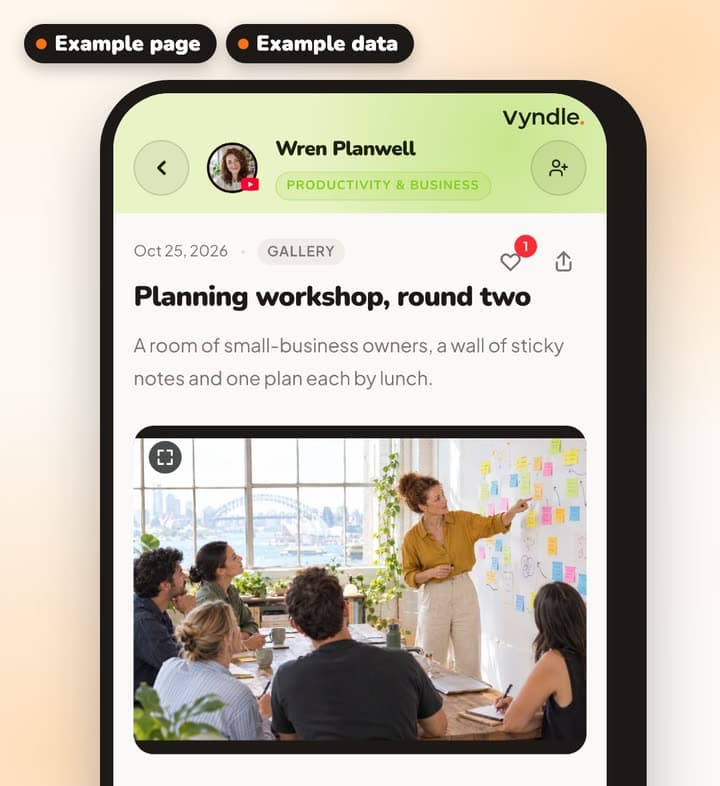
Share a video, a gallery of photos, an article with a title, or a quick update.
Each post goes on your page and into your followers' feed. Fans can like it and leave a comment, and you can reply.
Followers
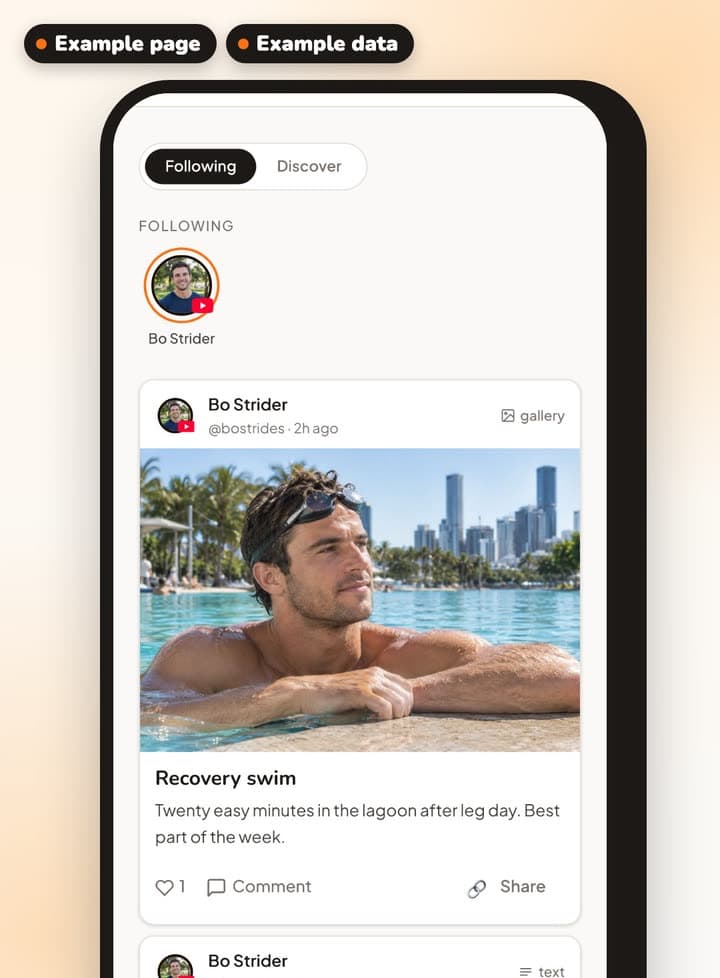
Anyone with a free Vyndle account can follow your page with one tap.
When you post, your followers see it in their feed and their notifications, and in a daily or weekly email round-up. They choose which, and they can turn it off.
Followers who turn on push alerts get one for new videos, galleries and articles. You get a notification for each new follower.
A media kit
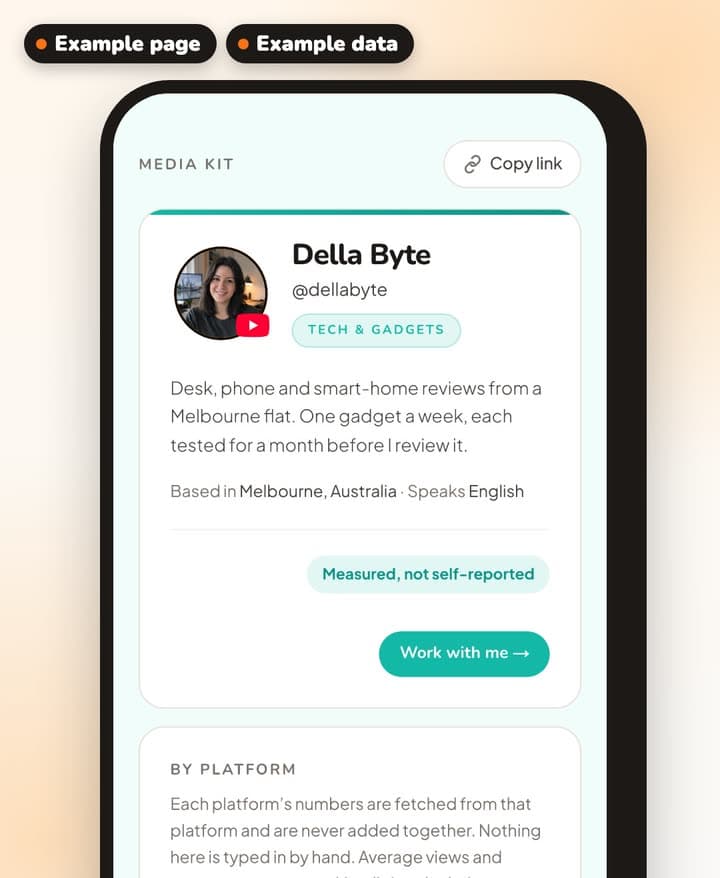
Every time a brand asks about your audience, you're back to sending screenshots. With Vyndle you send your media kit instead, with your numbers pulled straight from the platforms.
It fills itself in from the accounts you connect (YouTube, Instagram or TikTok), so you never type your numbers in. You add where you're based, the posts you want to feature and your rates, which can be public, on request or hidden.
It stays off until you turn it on. Then it has its own link, and brands can send you an enquiry from it. We email the brand to confirm the enquiry first, and you reply from your dashboard.
Your stats
Your dashboard puts your numbers in one place: your Vyndle page's own, and the ones pulled from the platforms you connect.
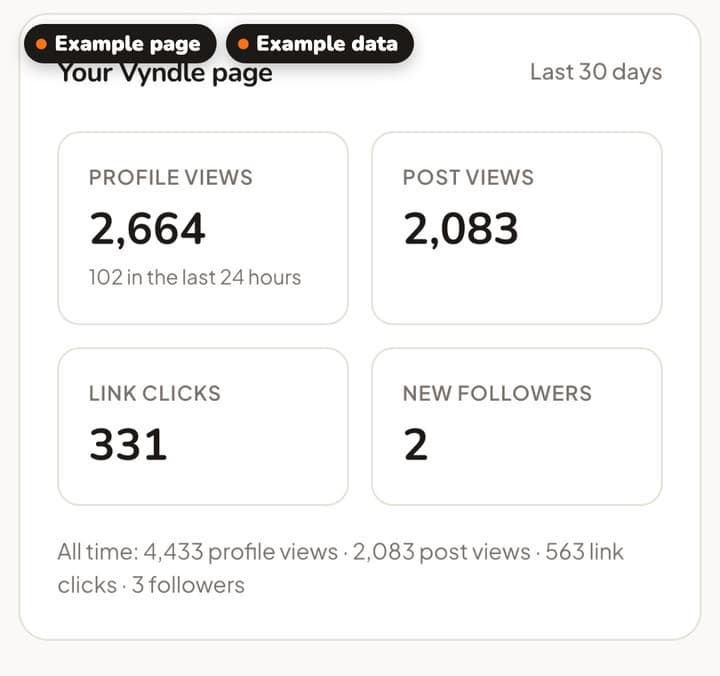
For your Vyndle page: profile views, post views, link clicks and new followers over the last 30 days, plus your all-time totals.
For YouTube: your subscribers and how they've changed over 28 days, your average views and engagement rate, how much of your videos people watch, your hours watched, and your top five videos.
For Instagram: your followers, average views and engagement rate, the accounts you reached in the last 28 days, and your top recent posts with their views, reach, likes, comments, shares and saves.
For TikTok: your followers, average views, engagement rate and total likes, and your top recent videos with their views, likes, comments and shares.
Each number from a platform shows when it's from. Averages and engagement rates are worked out by Vyndle from the platforms' numbers, and they're marked so you can tell.
Your channels
Connect YouTube, Instagram or TikTok. You sign in on the platform's own page, so we never see your password.
Your follower counts then come straight from the platform, so you never type them in. They show on your page only if you turn them on.
Instagram connects for creator and business accounts only.
Example pages
Della, Bo and Wren are example creators. We made them up to show what a page can hold, and their posts and numbers are made up too.
Della Byte
Tech · example creator
See Della Byte's example pageBo Strider
Fitness · example creator
See Bo Strider's example pageWren Planwell
Productivity · example creator
See Wren Planwell's example page
Your page is waiting.
It's free, and it takes a few minutes.
News about Vyndle goes on our own page. Follow @vyndle for updates