Your followers always hear from you.
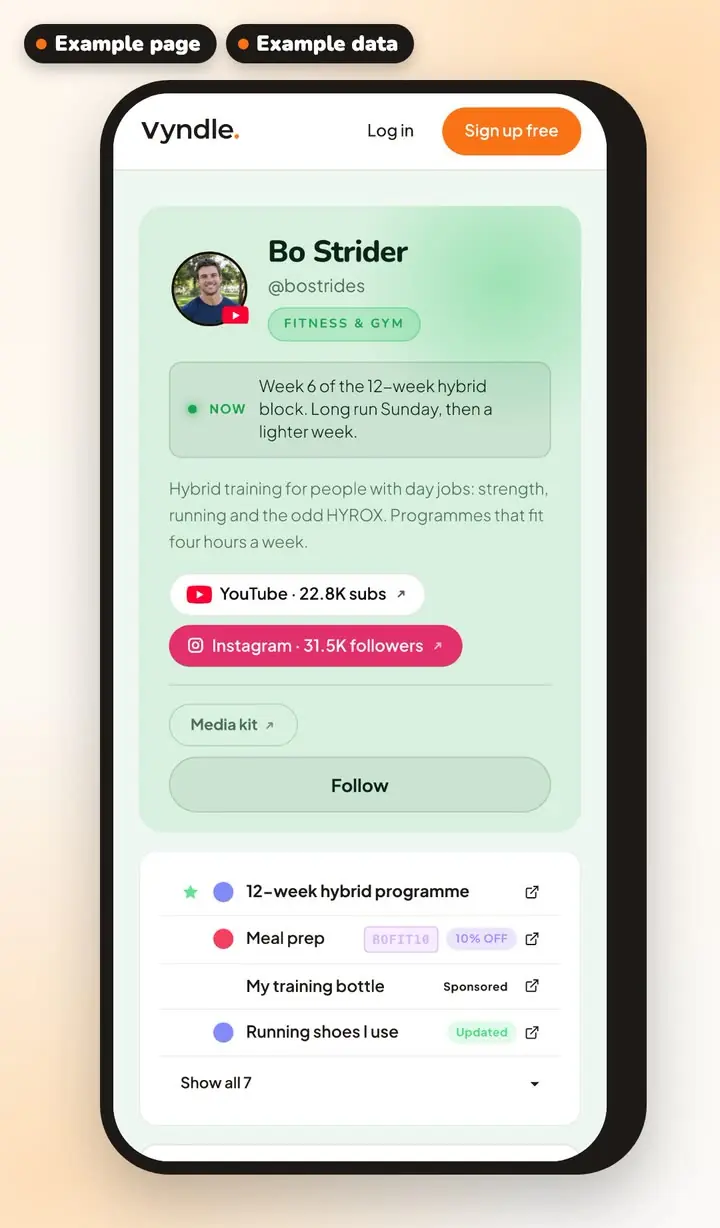
Anyone can follow your Vyndle page for free, and every post you make reaches every one of them, the way they chose to hear it.
- The platform decides who sees your post.
- Your views drop, and nobody tells you why.
- Your audience is split across apps, so the TikTok people never hear about the YouTube video.
Anyone can follow you without installing anything.
All it takes is a free Vyndle account. Then one tap on your page, and they follow you.
Every post reaches every follower. Nothing decides who sees it.
Your posts land in each follower's Vyndle feed, in the order you posted them.
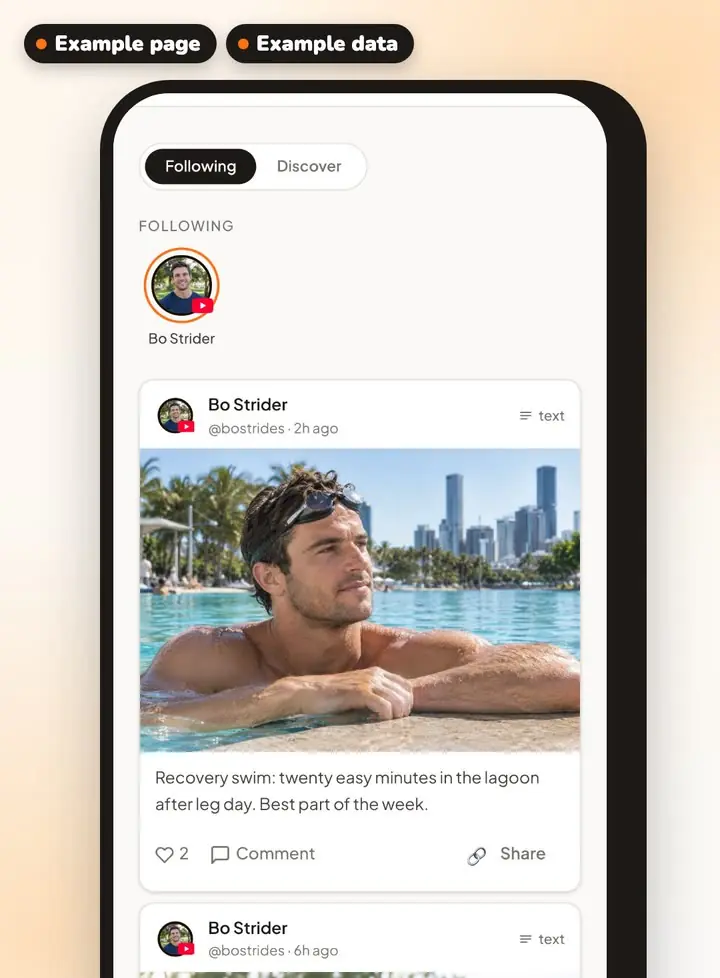
They hear the way they chose: at once, or daily or weekly.
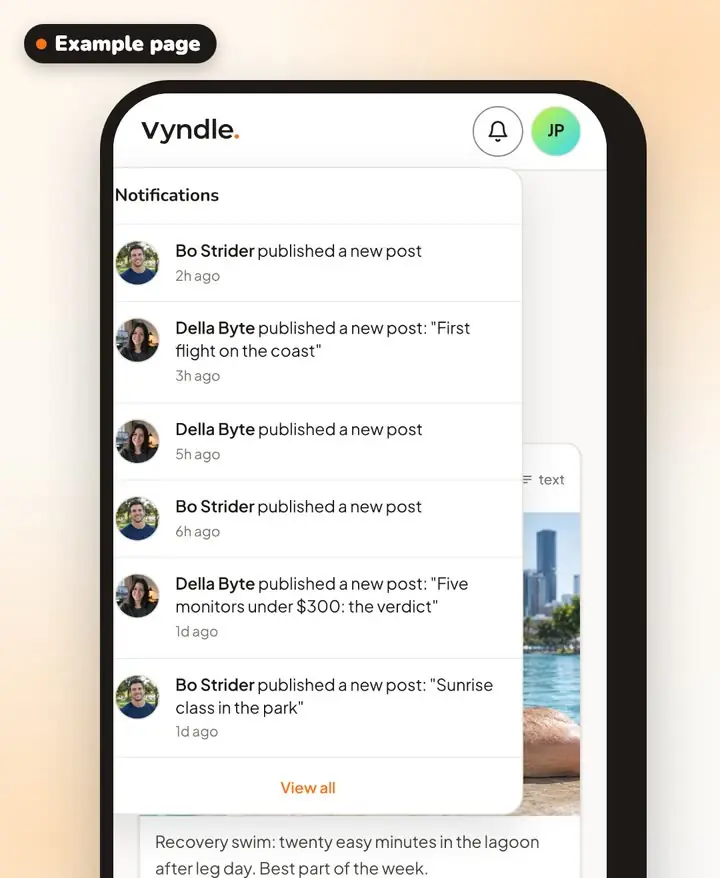
Each new post shows up in their notifications on Vyndle.
Followers who turn on push alerts get one for new videos, galleries and titled posts.
And they can get a daily or weekly email round-up of your new posts.
New video up? One paste tells all of them, whichever app they found you on.
Write an article and paste the YouTube link in. It shows the video with its thumbnail, and it goes out like any other post, with a push alert for the followers who turned them on.
Your page also shows a pill for each channel you've connected, so whoever finds you on one can find you on the rest.
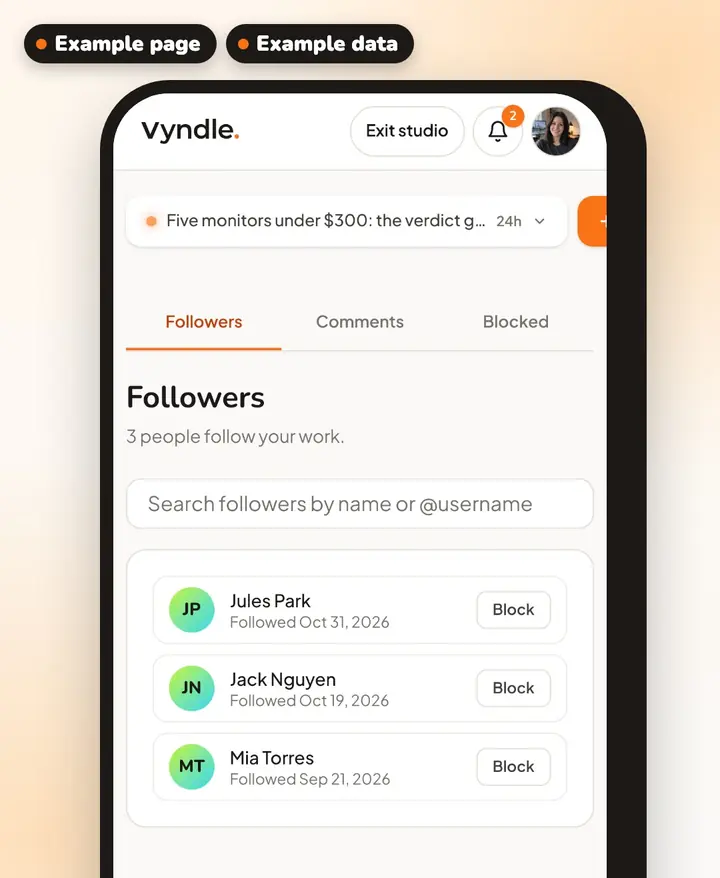
You can see who follows you, by name, and since when.
Your dashboard lists each follower by name, with the date they followed.
Three steps to start.
- 1Sign in with YouTube, Instagram or TikTok
- 2Pick your handle
- 3Put vyndle.co/@you in every bio
Good to know.
- How do my followers hear about new posts?
- Each new post shows up in your followers' Vyndle feed and notifications. Followers who turn on push alerts get one for new videos, galleries and titled posts. We also email followers a daily or weekly round-up of new posts. They choose which, and they can turn it off at any time.
- Is Vyndle free?
- Yes. Your page and your posts are free, with no card needed.
- Do I need a YouTube, Instagram or TikTok account?
- You can sign up as a creator with your email, or with YouTube, Instagram or TikTok. To show follower counts from a platform, connect that account, then turn on follower counts in Links & Socials.
Your page is waiting.
It's free, and it takes a few minutes.